Launching a custom blockchain rollup used to mean weeks of coding, DevOps wrangling, and significant capital outlay. Fast forward to 2025, and the landscape has changed radically. Thanks to no-code blockchain deployers like Asphere and Ankr, developers and founders can now spin up production-grade rollups in minutes, no advanced technical skills required. If you’ve ever wanted to deploy a custom app-chain with specialized fee markets but balked at the complexity, this is your moment.
No-Code Blockchain Deployers: The New Standard for Fast Rollup Launches
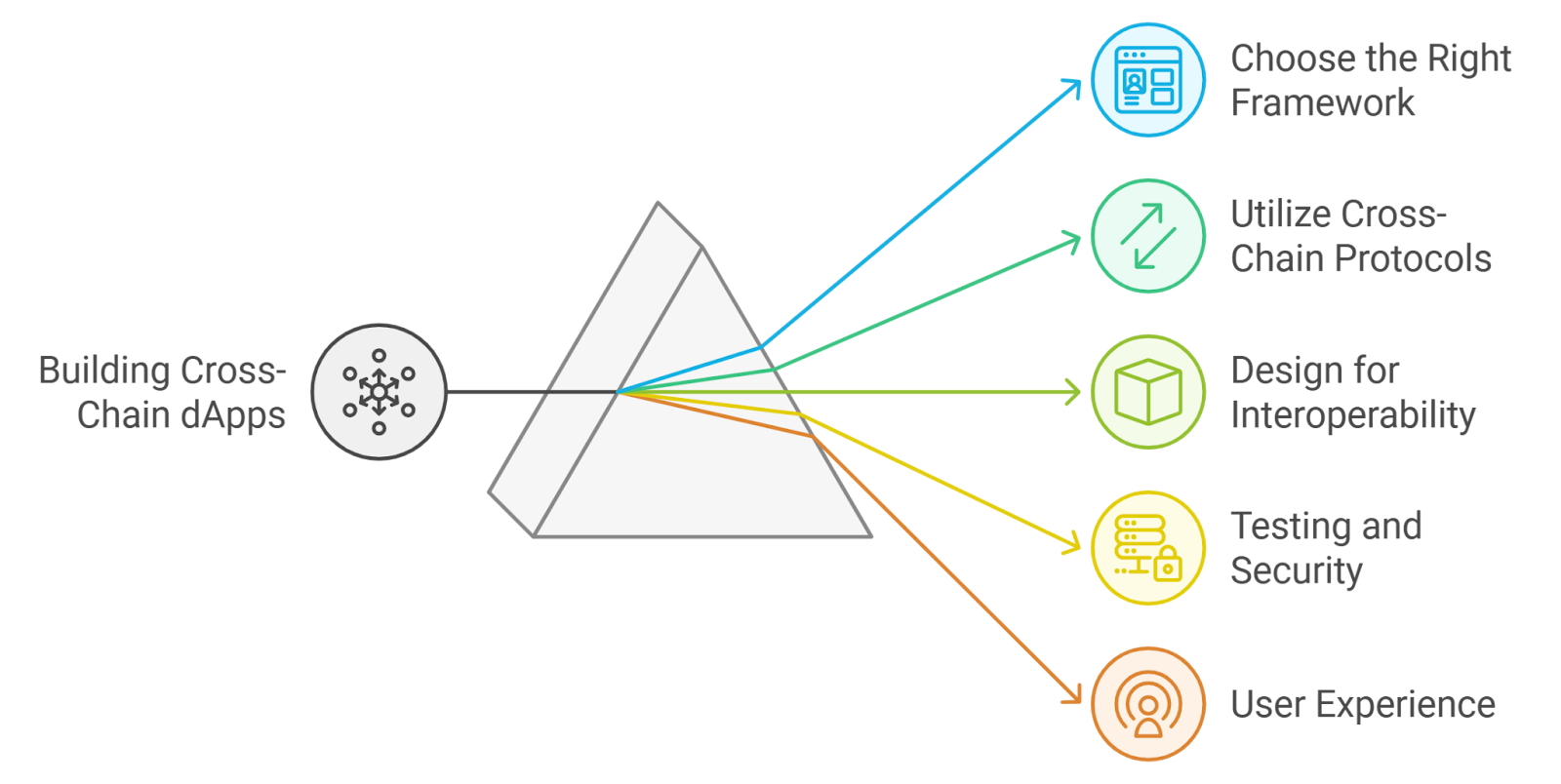
No-code platforms are transforming how we think about app-chain deployment. Tools like Asphere’s no-code deployer abstract away the infrastructure headaches, letting you focus on what matters: your application logic and user experience. These platforms support leading frameworks (Arbitrum Orbit, OP Stack, Polkadot), flexible data availability layers, and granular fee market configurations, all via an intuitive interface.
Step 1: Create and Connect Your Wallet to the No-Code Rollup Platform
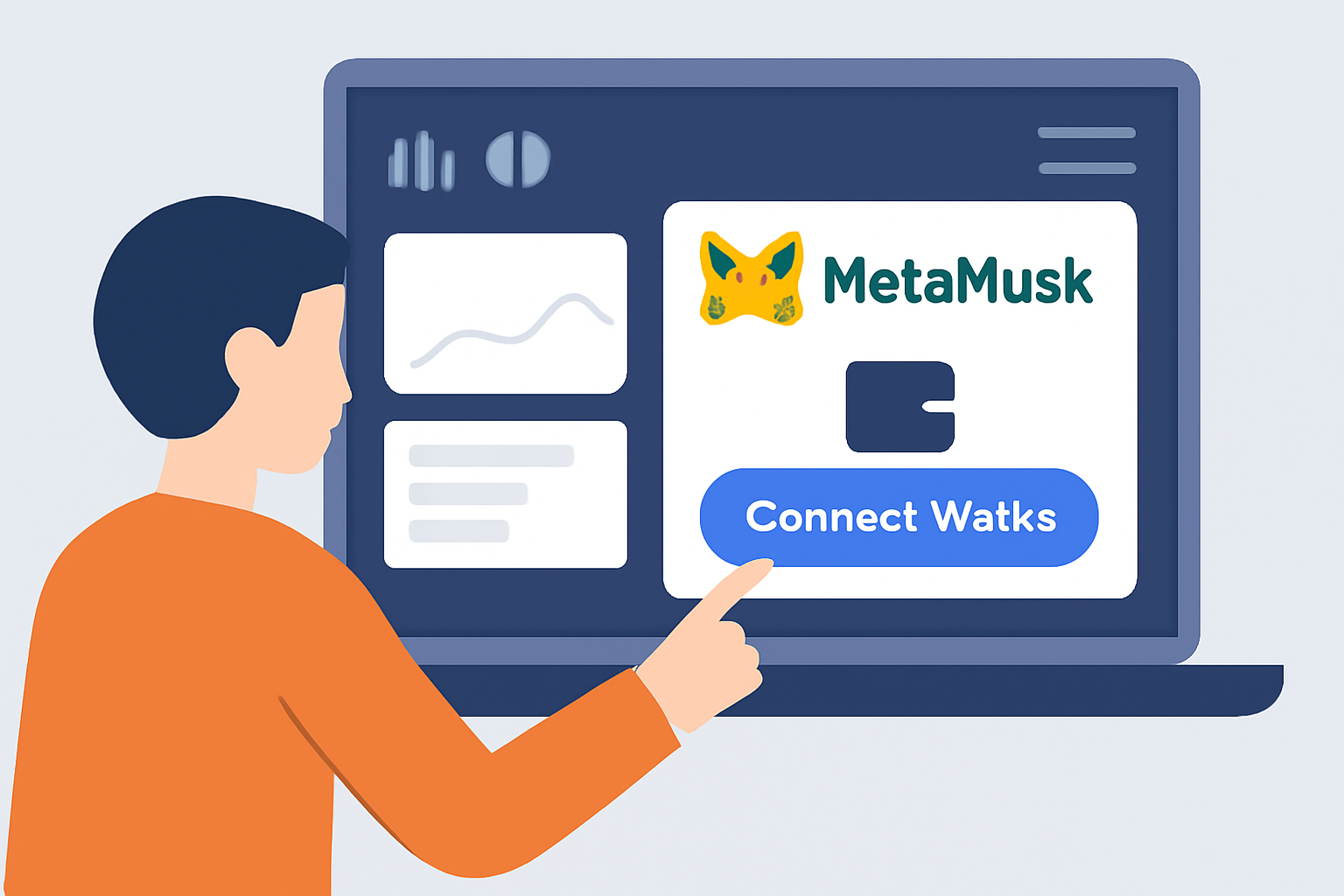
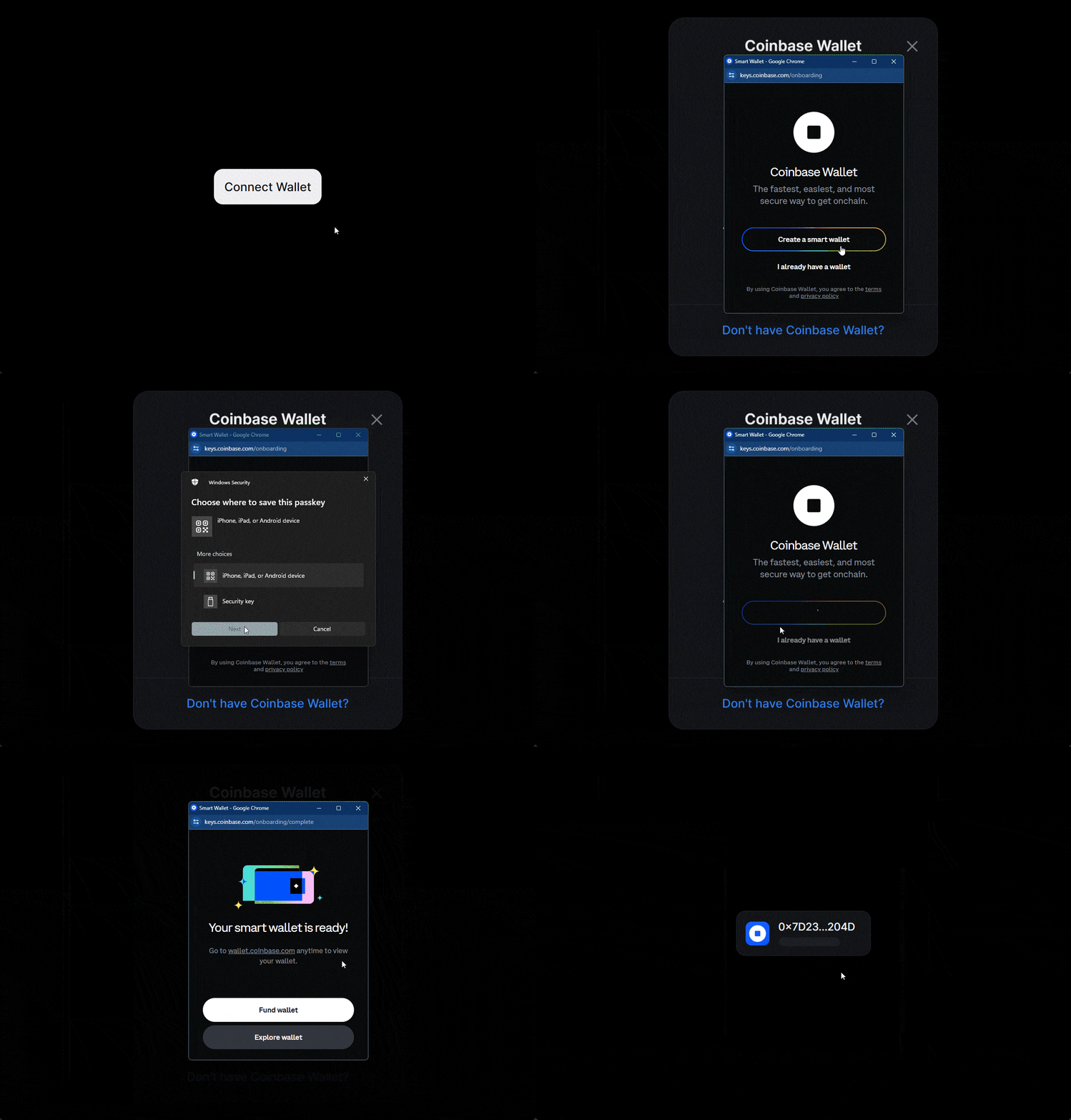
The journey begins with your crypto wallet. Most RaaS (Rollup-as-a-Service) platforms require you to authenticate using MetaMask or another Web3 wallet, no lengthy sign-up forms or KYC hurdles for test deployments. This wallet connection not only secures your session but also enables seamless payment for deployment fees directly in crypto.
Once connected, you’ll access a personalized dashboard where every aspect of your future rollup can be tailored without writing a single line of code.
Step 2: Select Your Preferred Rollup Framework and Data Availability Layer
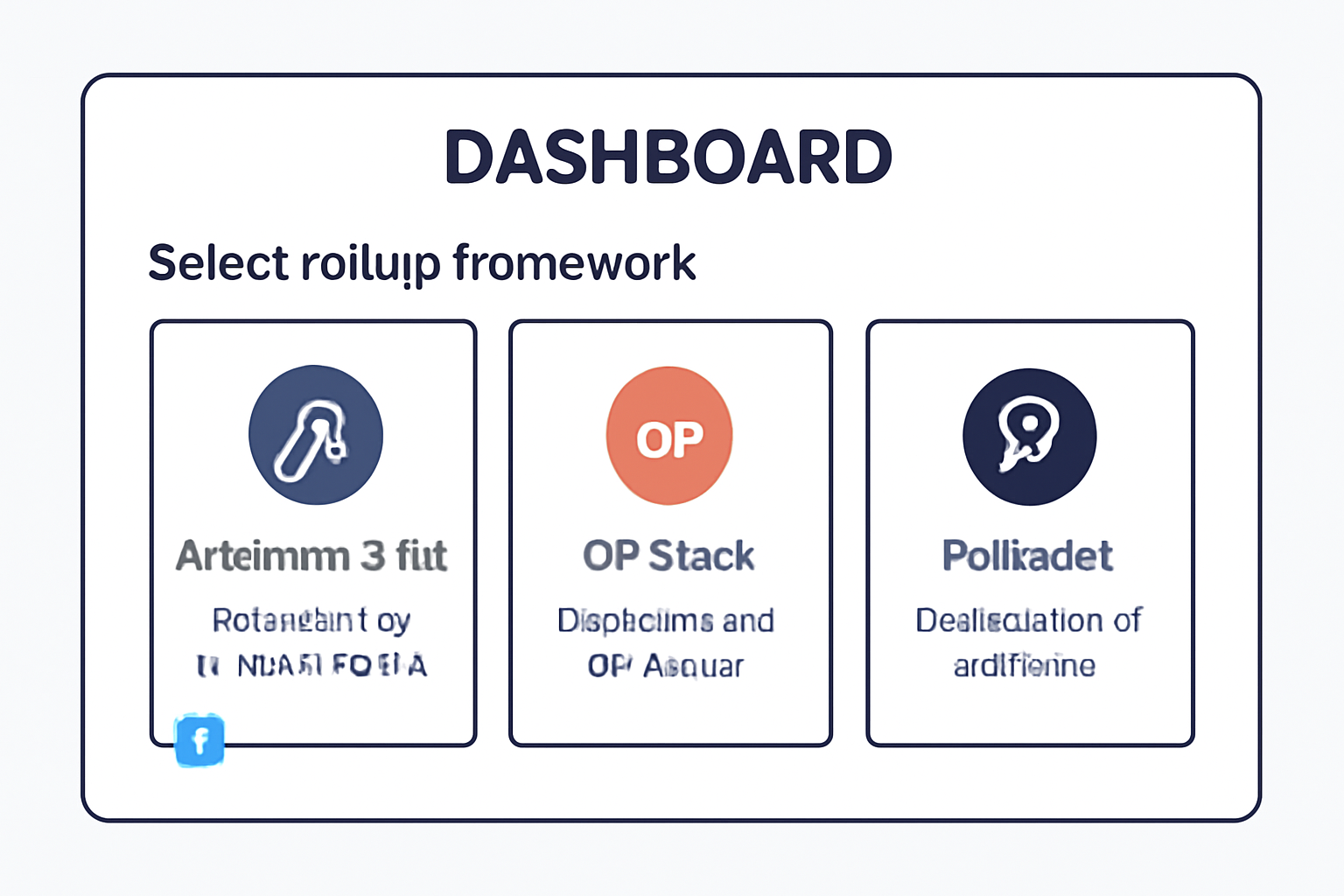
Choosing the right stack is crucial, your selection determines scalability, security guarantees, interoperability options, and even gas costs for end users. Leading no-code deployers offer a menu of battle-tested frameworks such as:
- Arbitrum Orbit: Optimistic rollups for high throughput dApps with Ethereum settlement.
- OP Stack: Modular architecture favored by DeFi protocols seeking maximum composability.
- Polkadot Parachain: Interoperable chains leveraging Polkadot’s shared security model.
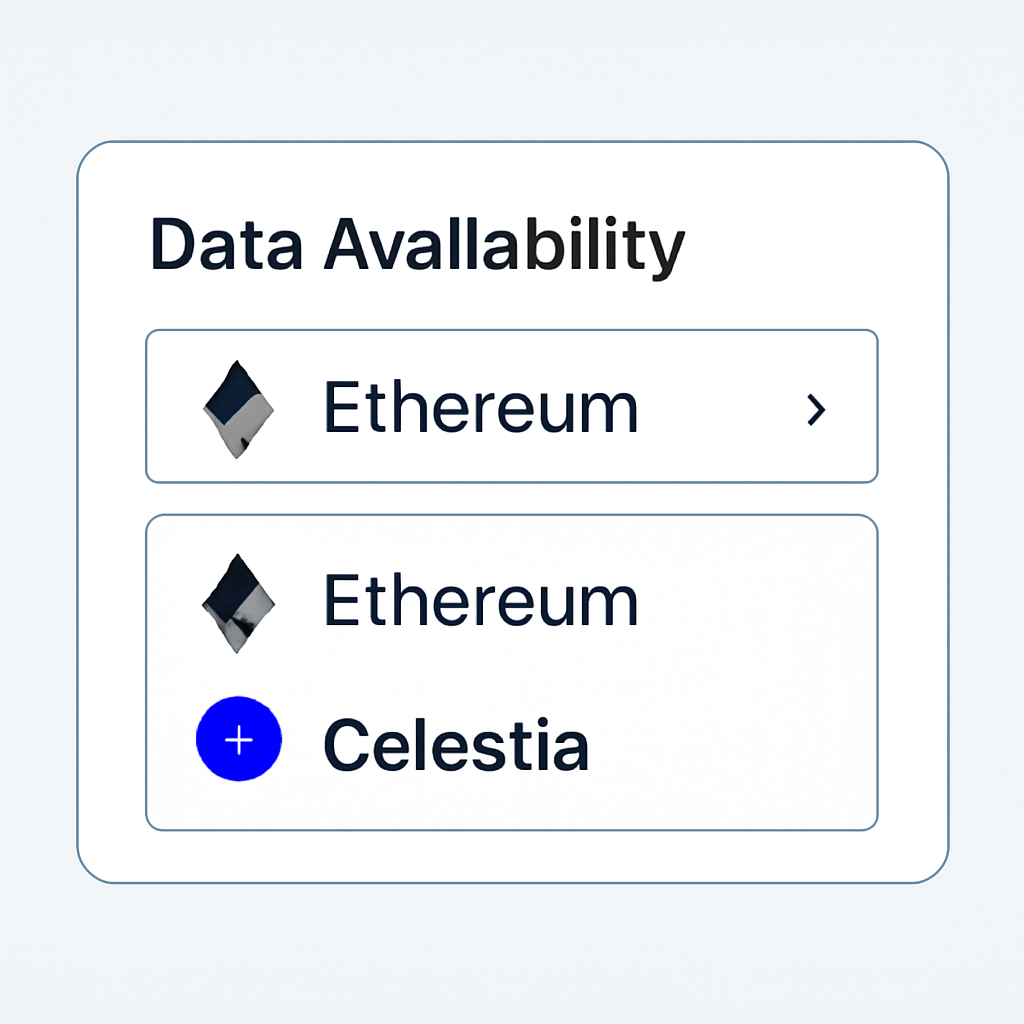
You’ll also select your data availability (DA) layer, options range from standard Ethereum DA to cutting-edge modular solutions like Celestia or EigenDA. This choice impacts both cost structure and data integrity guarantees.
Step-by-Step: Launching a No-Code Blockchain Rollup in 2025
- Create and Connect Your Wallet to the No-Code Rollup PlatformBegin by creating a secure crypto wallet (e.g., MetaMask) and connecting it to a leading no-code rollup platform such as Asphere by Ankr or Alchemy. This step ensures your identity and funds are ready for deployment.
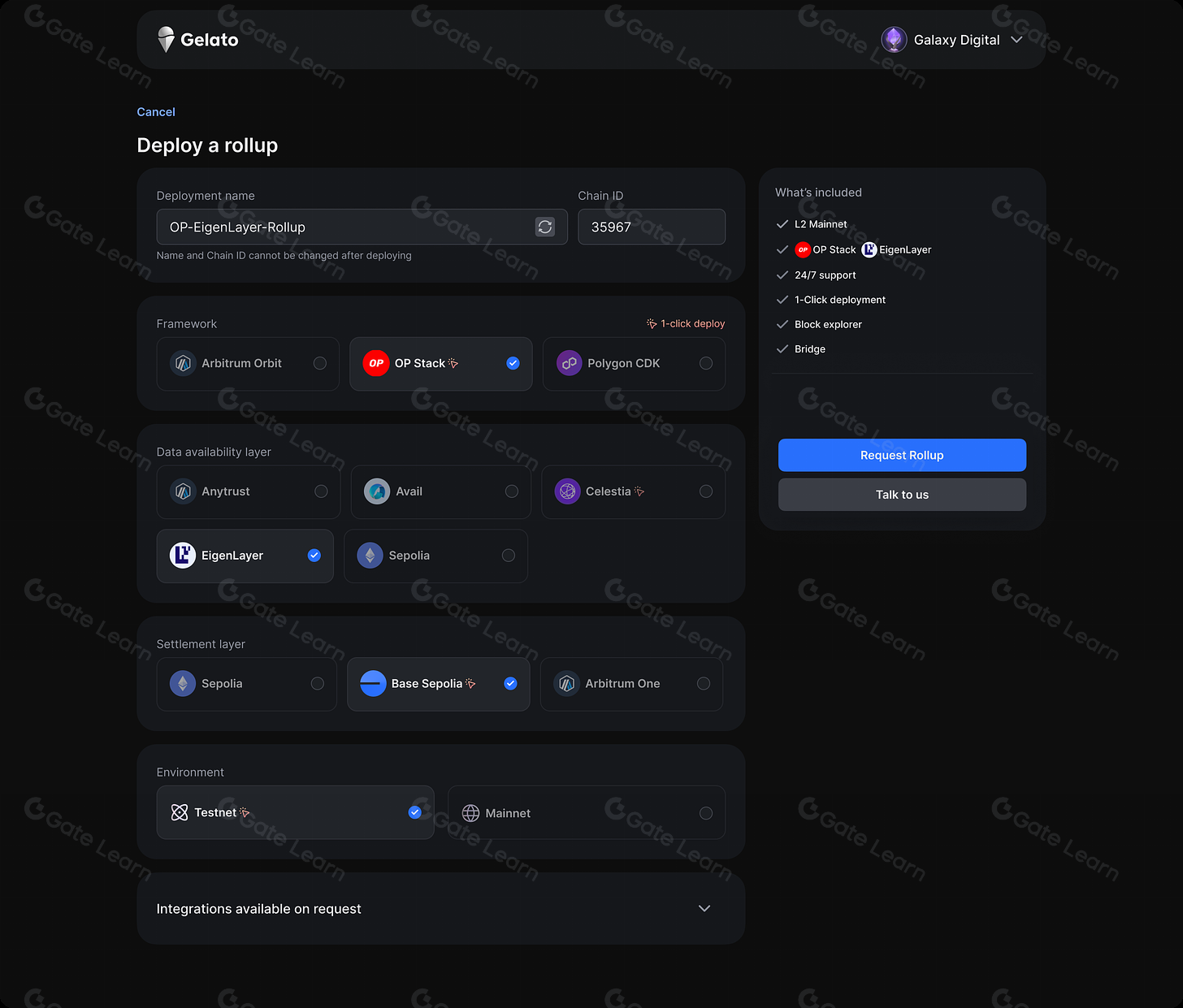
- Select Your Preferred Rollup Framework and Data Availability LayerChoose from top rollup frameworks like Arbitrum Orbit, OP Stack, or Polkadot and pick a data availability (DA) layer such as Celestia or EigenDA. These choices determine your rollup’s scalability and security profile.
- Configure Network Parameters, Fee Markets, and Custom App-Chain SettingsUse the platform’s intuitive interface to set network parameters (block time, gas token), fee market structures, and custom app-chain features. Platforms like GlitchD and BVM Studio offer drag-and-drop and guided configuration tools for rapid setup.
- Deploy Instantly to Mainnet or Testnet and Monitor Your Rollup DashboardWith a single click, deploy your rollup to either mainnet or testnet. Access real-time dashboards to monitor performance, obtain RPC URLs, and manage your rollup through platforms like Blast or Gate.com.
The Power of Customization Without Code
No matter which framework or DA layer you pick, these platforms let you configure parameters that were once locked behind GitHub repos or CLI-only tools. Want your own gas token? Need specific block times? It’s all point-and-click now.
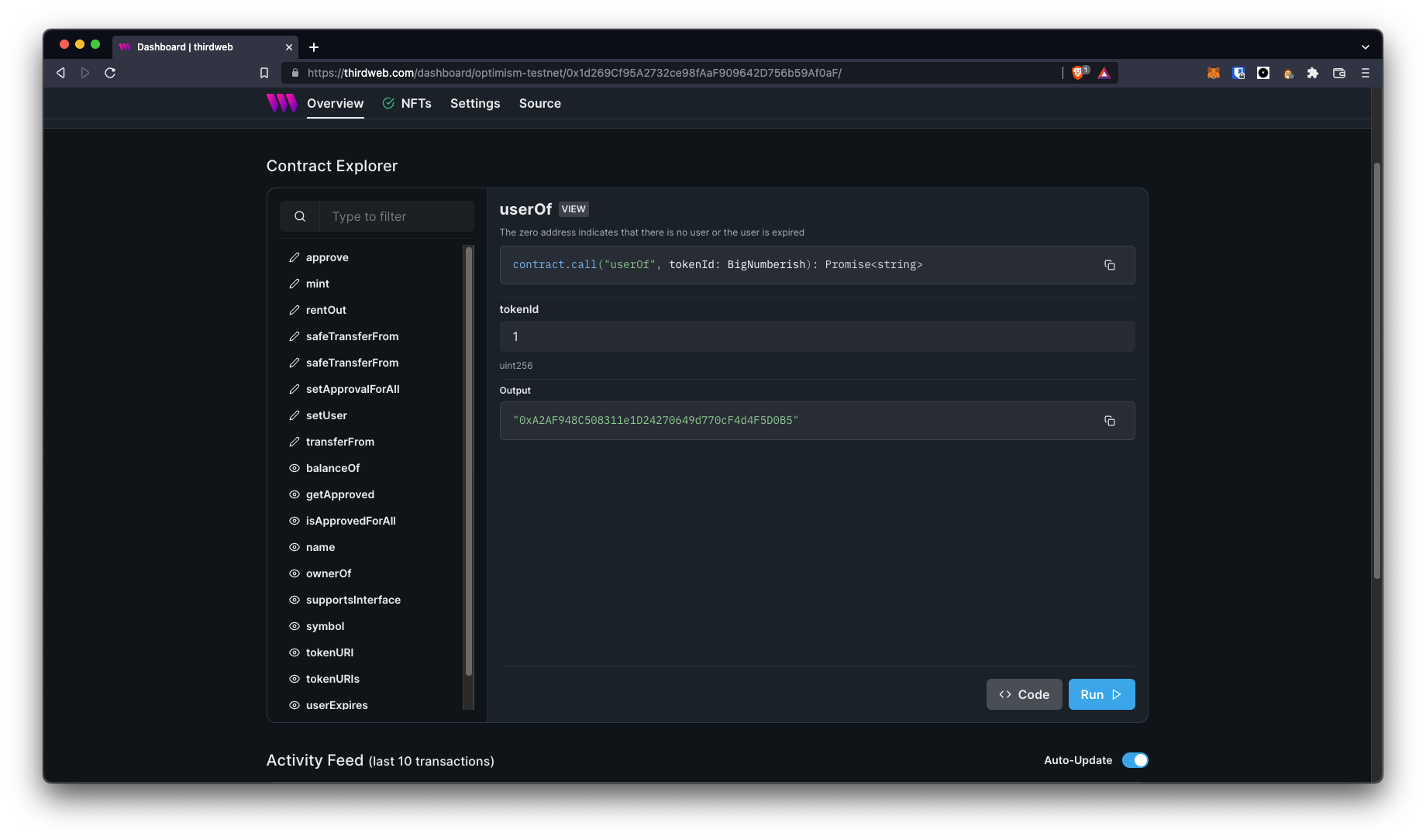
Connect Your Wallet & Choose Your Stack on Asphere: A Visual Walkthrough
The next steps, configuring fee markets and deploying instantly, unlock even more control over your app-chain’s economics and go-to-market speed. In the next section, we’ll dive into how to fine-tune network parameters before launching live on mainnet or testnet in just seconds.
Step 3: Configure Network Parameters, Fee Markets, and Custom App-Chain Settings
This is where the magic of no-code blockchain deployers truly shines. Once your framework and data availability layer are set, you’ll be presented with a suite of configuration options, no command-line gymnastics required. Platforms like Asphere and Ankr let you:
- Set block times to optimize for speed or decentralization.
- Define gas tokens, including support for native or custom ERC-20 assets.
- Customize fee markets: from EIP-1559-style dynamic fees to fixed or application-specific pricing models.
- Enable whitelisting or permissionless access, depending on your ecosystem goals.
For advanced builders, some platforms even offer toggles for sequencer selection, calldata compression, and integration hooks for external bridges or oracles. This level of configurability used to require weeks of Solidity work and testnet iterations; now it’s handled in minutes via an intuitive UI.
If you’re building a DeFi protocol that needs micro-fees, an NFT marketplace with custom royalty logic, or an enterprise chain with regulated access, these tools empower you to tune every economic lever, without ever touching the backend codebase.
Step 4: Deploy Instantly to Mainnet or Testnet and Monitor Your Rollup Dashboard
The final step is as simple as clicking “Deploy. ” Whether you’re targeting Ethereum mainnet for production use or a testnet environment for experimentation, no-code deployers handle all the orchestration under the hood. You’ll see real-time progress bars as your rollup spins up sequencers, configures DA endpoints, and initializes your genesis block, all in under five minutes in most cases.
- Mainnet Deployments: Instantly launch your chain live to users with full EVM compatibility and bridge access.
- Testnet Deployments: Experiment risk-free before going public, perfect for hackathons, MVPs, or internal pilots.
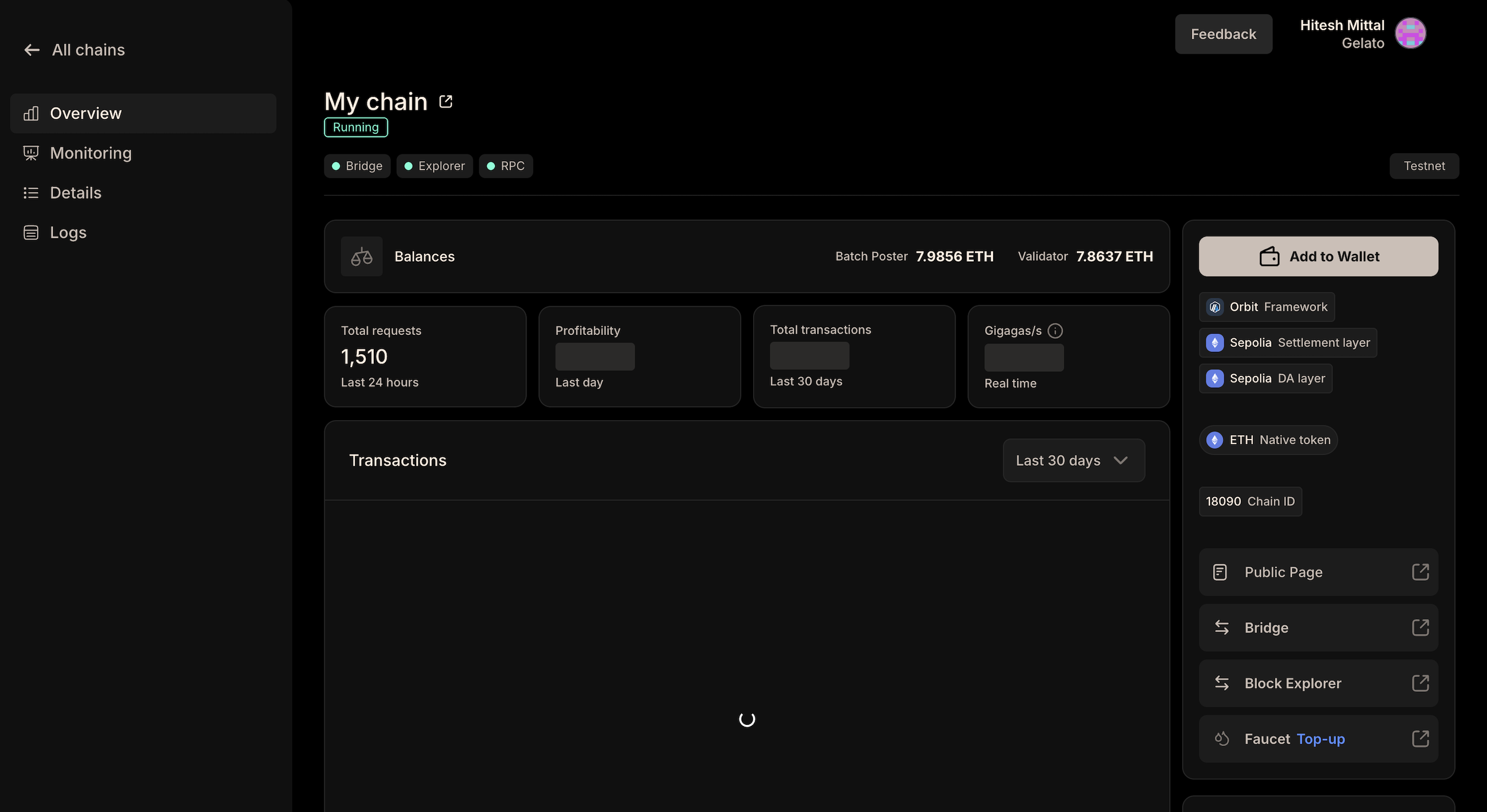
Your dashboard will update with vital deployment details: RPC URLs for dApp integration, Bridge UIs for asset flow between L1/L2, Block Explorer links for transparency, and even analytics on network activity from day one. Some platforms also offer built-in alerts for chain health and fee spikes so you can react instantly if needed.
Post-Deployment Resources on No-Code Rollup Dashboards
- Create and Connect Your Wallet to the No-Code Rollup PlatformBegin by creating or connecting your crypto wallet (such as MetaMask or WalletConnect) directly within the dashboard of leading platforms like Asphere by Ankr. This step ensures secure authentication and enables you to manage your rollup deployment and assets seamlessly.
- Select Your Preferred Rollup Framework and Data Availability LayerChoose from supported frameworks like Arbitrum Orbit, OP Stack, or Polkadot, and pick a data availability layer (e.g., Celestia, EigenLayer). These options, available on platforms such as Asphere and Alchemy, let you tailor your rollup to your project's needs.
- Configure Network Parameters, Fee Markets, and Custom App-Chain SettingsSet up essential parameters including block time, gas token, fee market structure, and any custom app-chain logic. No-code dashboards provide intuitive interfaces for these configurations, allowing you to optimize performance and user experience without coding.
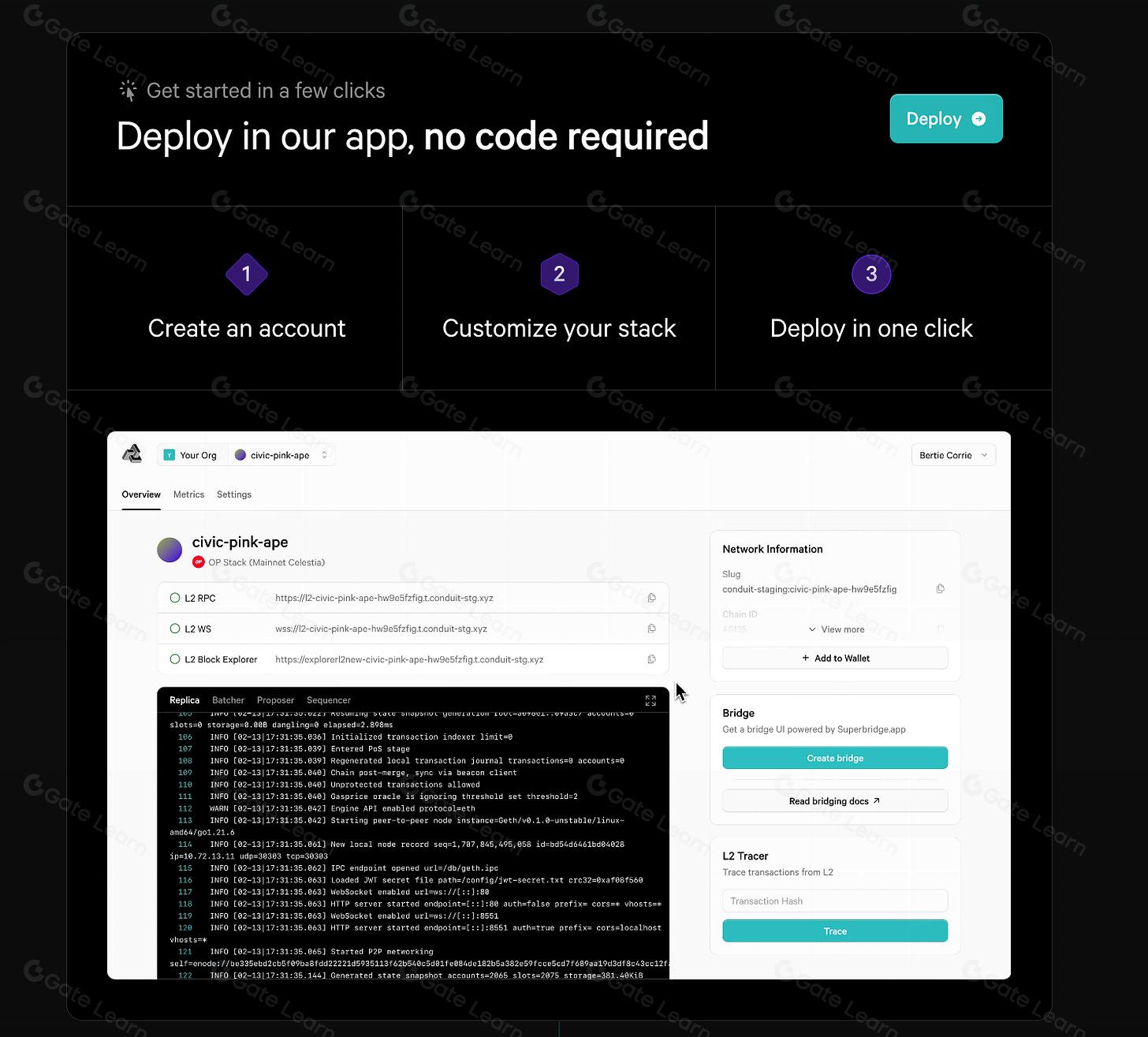
- Deploy Instantly to Mainnet or Testnet and Monitor Your Rollup DashboardWith a single click, deploy your rollup to a mainnet or testnet environment. Post-deployment, access resources like RPC URLs, Bridge UIs, and Block Explorers directly from your dashboard to monitor network status and manage your chain.
What’s Next? Iterate Fast and Scale On-Demand
No-code blockchain deployers don’t just accelerate launch, they enable rapid iteration. Need to tweak fee logic? Want to onboard new validators? Most platforms let you redeploy new versions or update parameters without downtime. This agility is fueling a wave of app-chain innovation across DeFi, gaming, enterprise supply chains, and beyond.
If you can manage a Web3 wallet and click through an interface, you can launch a production-ready blockchain rollup tailored to your project’s needs, in minutes rather than months.
Summary Checklist: Launch Your No-Code Blockchain Rollup in Minutes
The future of custom app-chain deployment is here, and it’s accessible to everyone. Whether you're building the next DeFi primitive or scaling a Web3 game to millions of users, no-code blockchain deployers like Asphere are removing barriers at every step. For deeper dives into optimizing fee markets and app-chain economics post-launch, explore our guides at CustomAppChains. com, or jump straight into hands-on deployment via platforms like Ankr’s Scaling Services No-Code Deployer.




No comments yet. Be the first to share your thoughts!